
One place for the next release.
UI/UX Design
Designed for users.
Ready for developers.
We connect user journeys with detailed screens, reusable components, and interaction notes, giving your development team a clear design to build from.
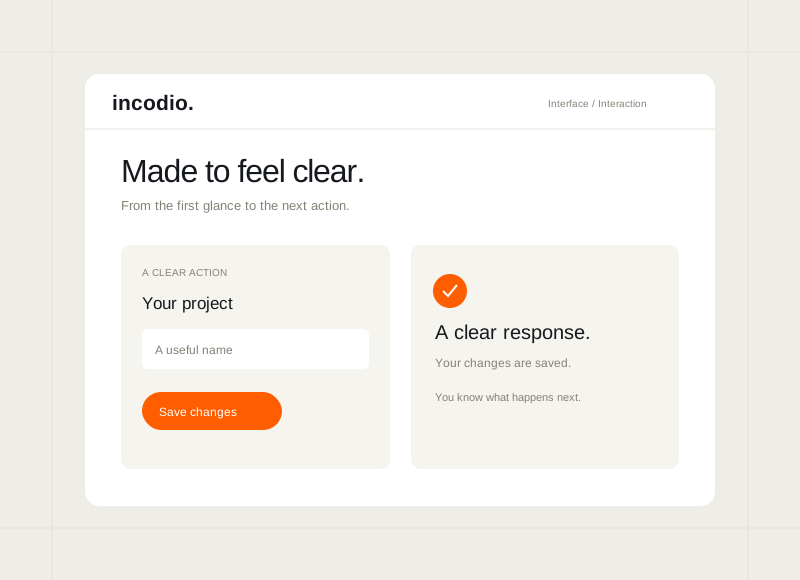
The starting pointWhen the design
When the design
leaves questions open.
Users need a clear way to complete the task. Developers need the behaviour behind each screen, including what changes, what fails, and what happens next.
How we can help
Connect the experience to implementation.
- User journeys and navigation
- Key screens and responsive layouts
- Important loading, empty, error, and success states
- Reusable components and interaction notes
People need someone to explain it.
Labels and navigation make sense to the team, but the intended task is hard to follow. Design around what users know and need.
The screens leave behaviour undefined.
Loading, empty, error, and success states have not been worked through. Users lose context, and developers have to decide how each case behaves.
Developers have to interpret the design.
Spacing, responsive behaviour, or component rules are unclear. A detailed handover gives the build team decisions they can follow and discuss.
Explore the experience
Look beyond the visual finish.
Move between the wireframe and detailed interface. See how the task becomes a set of screens, then consider the states and behaviour a developer would need to implement.
WireframeFinished interface
A shared flow: capture feedback, review the detail, and decide the next step.
What the design work can cover
- User journeys and task flows
- Responsive screens and interface states
- Reusable components and development handover
Where to start
Design for the task that matters.
Start with a key journey or product area. Include what users need to accomplish and what the team building it needs to receive.
For independent businesses
Make a customer task easier to follow.
Make an enquiry, booking, or service task easier to follow, with key screens and implementation notes for whoever builds or maintains your website.
More for sole proprietorsWhat the work can include
- A focused journey review
- Key screens and interaction states
- Design files and implementation notes
For founders & early teams
Align the experience before development.
Connect the first user journeys with reusable components and clear behaviour, giving your development team a consistent starting point.
More for startupsWhat the work can include
- Core flows and key screens
- Essential interaction states
- Reusable components and handover
For growing businesses
Rework the journey people struggle with.
Rework a difficult customer or staff journey, then give the team maintaining the product the screens, states, and component guidance to implement it.
More for small & medium businessesWhat the work can include
- A review of one important journey
- Reworked flows and screen designs
- Component guidance for development
For established organisations
Give the build team a clear design handover.
Extend a product area around user needs, existing components, technical requirements, and the review process your designers and developers share.
More for enterprisesWhat the work can include
- Journey and requirements review
- Key screens and required states
- Component alignment and interaction notes
Project delivery roadmapFrom the user journey
From the user journey
to development handover.
Review the flow and interface with both users' tasks and implementation needs in view. Each stage makes the design more specific for the build.
Fieldnotes / 01
You review
A brief covering user goals and implementation requirements.
Incodio
Review existing evidence and map the design questions.
Your part
Share user knowledge, product requirements, and the existing design or technical context.
Fieldnotes / 02
You review
User flows and key screen structures.
Incodio
Map task flows, navigation, and the required screen states.
Your part
Involve product and development leads in reviewing the journey.
Fieldnotes / 03
You review
Detailed screens, responsive layouts, and component specifications.
Incodio
Design the scoped screens and document their states and behaviour.
Your part
Review the experience and implementation questions with your team.
Fieldnotes / 04
You review
Design files, component guidance, and interaction notes.
Incodio
Organise the handover and explain the intended behaviour.
Your part
Review the files with the developers receiving the handover.
Keep reading
Read more on the blog Make the design review more useful.
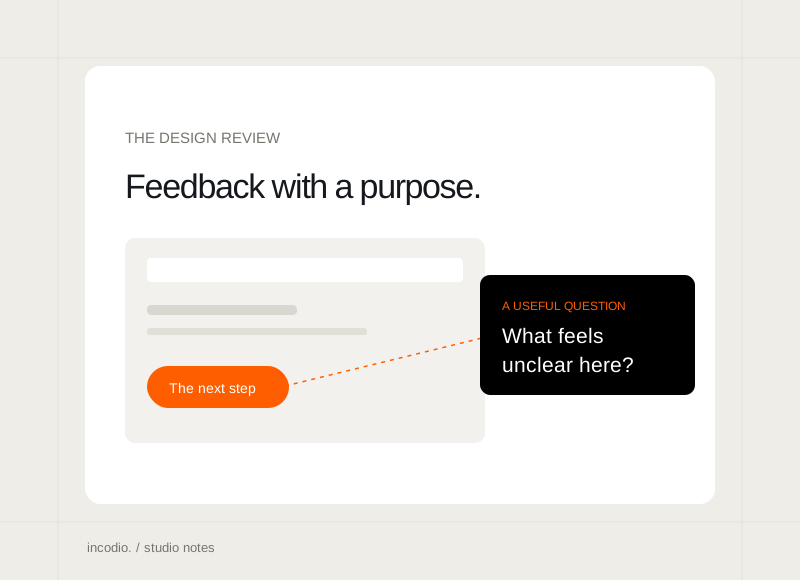
Give design feedback that moves the work forward.
A shared goal, a real task, and specific observations make a review easier to act on.
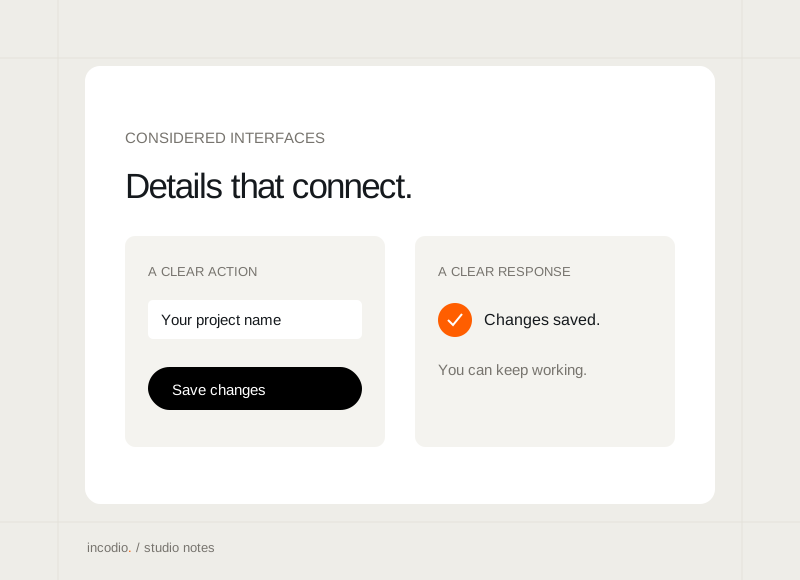
What makes an interface feel considered?
The small connections between language, layout, and behaviour that make a product easier to use.
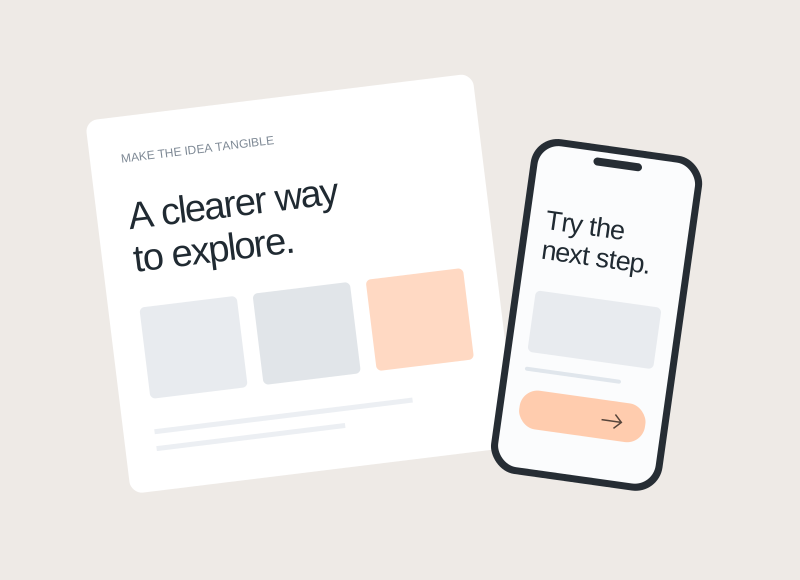
Prototype first, or start the build?
Choose the next step around what you need to learn, rather than how finished the idea looks.