
One place for the next release.
Prototyping
See how it works before you build.
A feature list leaves room for different interpretations. We turn the important journey into a clickable prototype, so you can explore the experience and gather feedback before development.
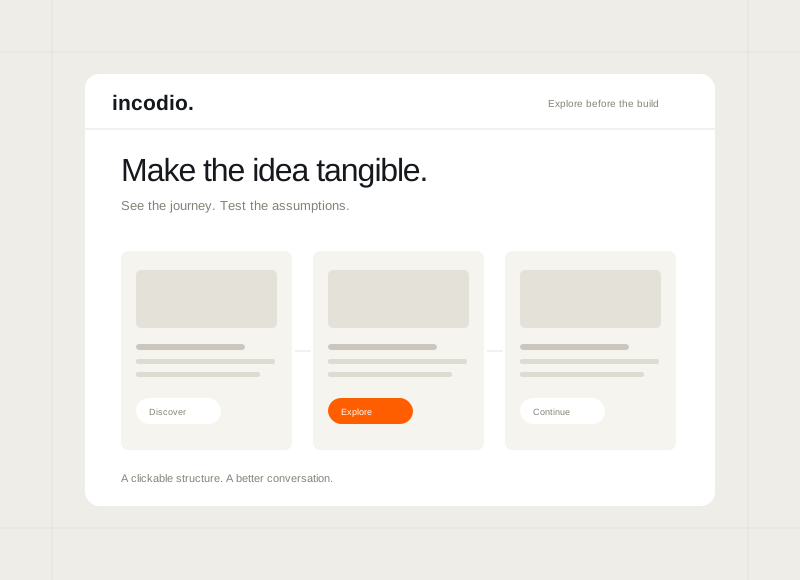
The starting pointA feature list leaves
A feature list leaves
questions open.
A prototype gives the discussion something concrete. Use it to explore the questions that sketches and feature lists leave open.
How we can help
Build around a question worth answering.
- Choose the decision the prototype should inform
- Connect the screens in a realistic journey
- Use the detail that the review requires
- Carry feedback and open questions forward
Everyone pictures a different product.
The same brief leads to different assumptions about how it works. A shared walkthrough makes those differences easier to discuss.
Feedback stays too abstract.
People can react to an idea without understanding the task. A clickable journey gives them something specific to respond to.
The interaction is still a guess.
A form, transition, or multi-step task is difficult to explain in a static mockup. Explore the behaviour before commissioning the build.
Explore the experience
Walk through it. See what to ask next.
Try the linked screens, then use the review prompts to identify unclear steps and assumptions. This is a prototype experience, not a finished application.
LISTEN. DECIDE. MOVE FORWARD.
Good ideas start here.
Bring the next useful improvement into focus.
Feedback inbox A focused first release
Small releases. Clearer direction.
Start with one useful journey. Learn from what happens next.
Product roadmapOne clear next step
In review
Planned
Ready for the next delivery scope.
Move an idea here when the next step is clear.
Release notesConcept release / 01
A place for better product decisions.
Collect feedback, review a request, and agree what comes next. The first release keeps the loop simple.
Feedback → Review → RoadmapFEEDBACK / CORE JOURNEY
A shared view of what’s next
Keep the next step clear for everyone.
The opportunity
Bring feedback and the next product decision into one shared place.
What we can help with
- User flows and wireframes
- Interactive prototypes
- A clear direction for development
Where to start
A prototype for the decision ahead.
The right prototype depends on what you need to learn. Start with a proposed service, a new product, or a change to an existing experience.
For independent businesses
Make a service idea tangible.
Show how a proposed booking, enquiry, or customer task could work before deciding on a full application.
More for sole proprietorsWhat the work can include
- One important customer task
- A linked set of key screens
- Questions for the next decision
For founders & early teams
Give early conversations something to explore.
Walk through the core product idea with prospective users or stakeholders and gather more specific feedback.
More for startupsWhat the work can include
- A defined question to explore
- An interactive product journey
- Review notes and next decisions
For growing businesses
Review the change with the people it affects.
Make a proposed workflow or website change visible to the customers or staff who will use it.
More for small & medium businessesWhat the work can include
- A focused change brief
- A clickable review prototype
- Decisions and implementation questions
For established organisations
Align around a product direction.
Give stakeholders a shared walkthrough before committing to a wider design or development programme.
More for enterprisesWhat the work can include
- A brief for the decision ahead
- A realistic review prototype
- Findings and remaining product questions
Project delivery roadmap
From a product question to a shared walkthrough.
Choose what the prototype needs to reveal. Then connect the journey and use the review to guide the next decision.
Concept / 01
You review
A prototype brief and questions to explore.
Incodio
Recommend a journey and level of detail suited to the question.
Your part
Share assumptions, user knowledge, and the decision you need to make.
Concept / 02
You review
A journey map and initial wireframes.
Incodio
Outline the flow and the key screen structures.
Your part
Review the scenarios and explain the rules behind each step.
Concept / 03
You review
A working walkthrough of the agreed journey.
Incodio
Build and check the prototype interactions.
Your part
Try the scenarios and collect specific observations.
Concept / 04
You review
The prototype, review notes, and next questions.
Incodio
Organise the findings and provide the agreed files.
Your part
Decide what to explore, change, or take into development.
Keep reading
Read more on the blog Choose what to learn before building.
Prototype first, or start the build?
Choose the next step around what you need to learn, rather than how finished the idea looks.
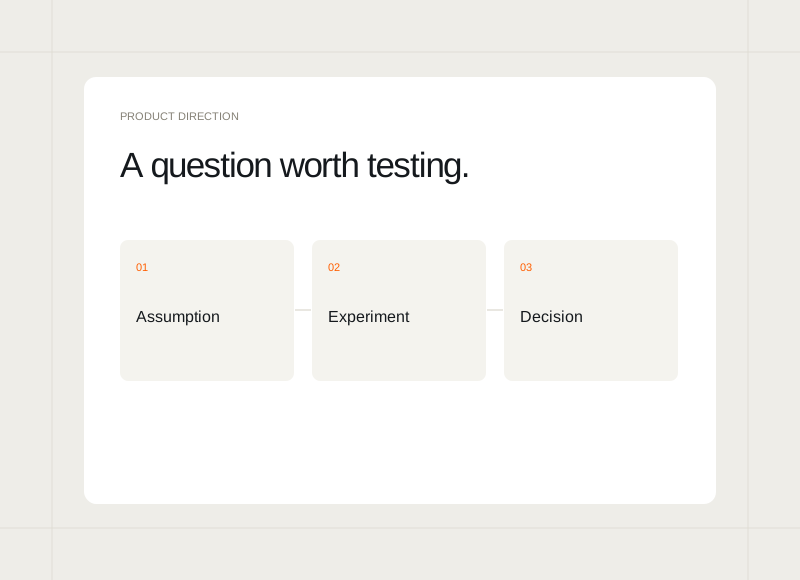
Test the question before building the product.
Choose a small experiment around the assumption that matters most.
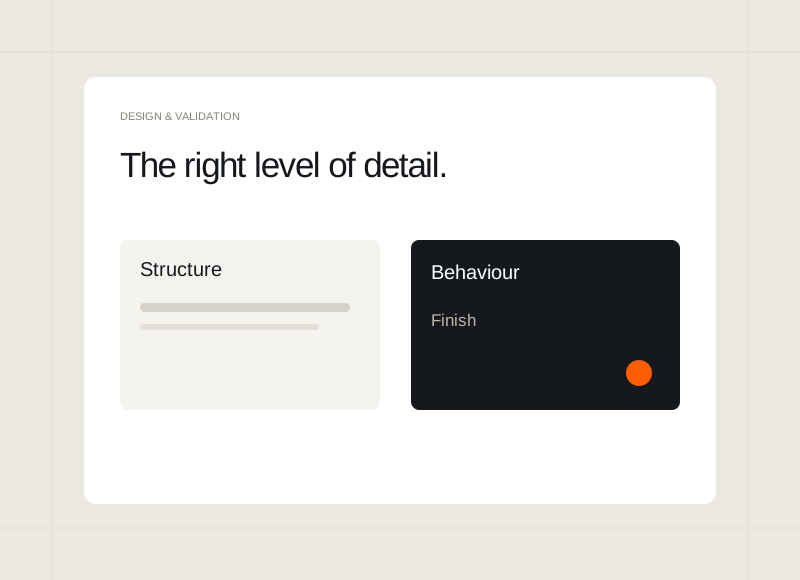
How much detail does your prototype need?
Match the finish to the decision you are trying to make.